
Start with your words.
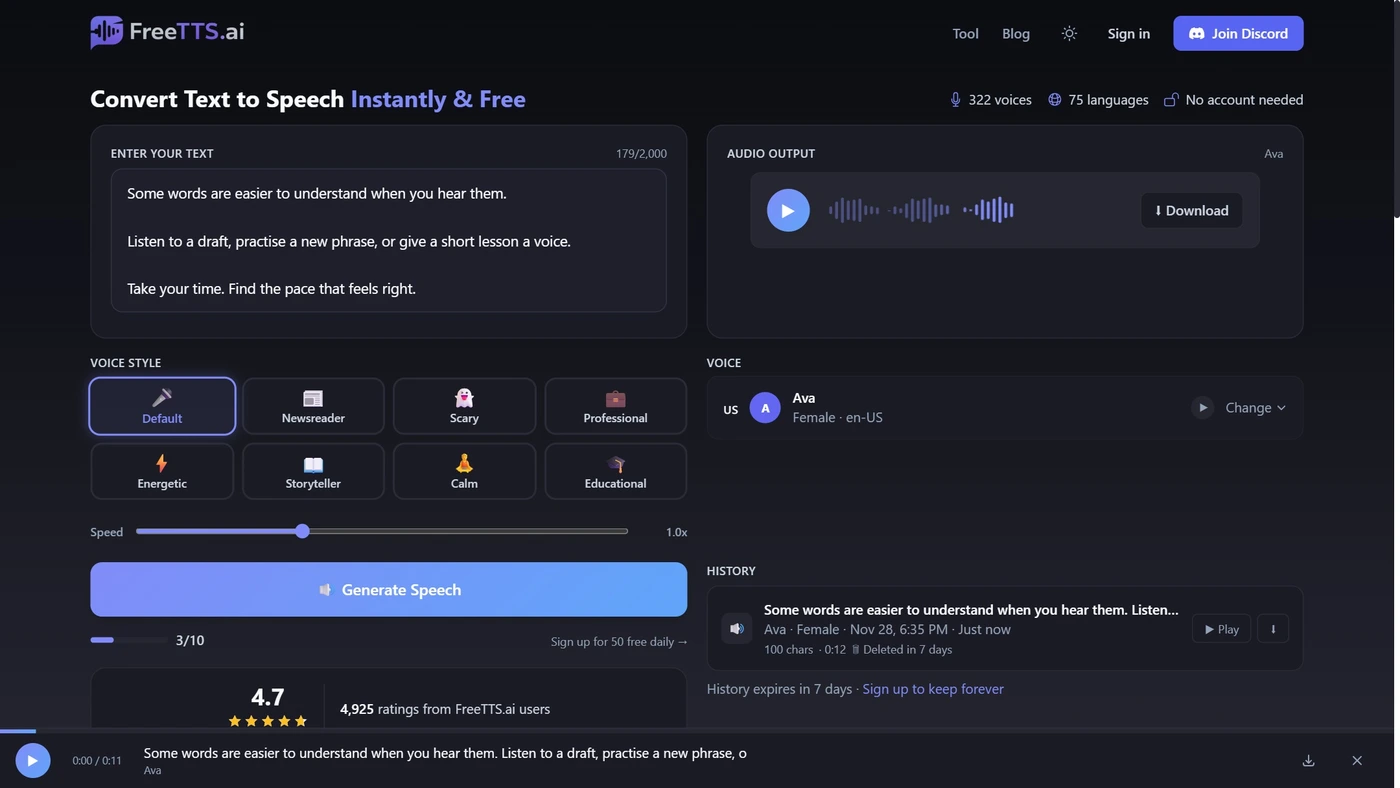
Enter the text you want to hear. A draft, a passage, or a short script gives you a place to begin.
FreeTTS
Turn written words into audio. Choose a voice, explore a style, and find the pace that sounds right.
Open FreeTTSOpens freetts.ai
A place for expression
Choose a voice and speaking speed to fit your words. Visit FreeTTS for the current voice selection, usage terms, and service availability.
Enter the text you want to hear. A draft, a passage, or a short script gives you a place to begin.
Explore the available voices and voice styles, then adjust speaking speed to suit your text.
Generate audio and hear how your words come across. Refine the wording or delivery as needed.
Start with a short piece of text and explore how it sounds.
Open FreeTTSYou’ll continue on freetts.ai, where its current terms, privacy information, and support apply.